In this article, we are not only going to learn how to complete your LinkedIn profile, but we are also going to see how to optimize your LinkedIn profile so that when someone searches for a skill or a service on LinkedIn, your profile can appear there.
This is a very important point because if you succeed in doing this, you can genuinely start generating inquiries from clients on your own.
Your LinkedIn profile is the foundation of your personal brand. A well-optimized profile can significantly improve your chances of attracting quality clients.
If this foundation of yours is strong, then, God willing, you will start getting good clients. And if this foundation is weak, you will not be able to get good clients at all. So, building this foundation strongly is extremely important.
Before optimizing your profile, it’s important to understand the most common mistakes people make.
Also Read: How to Get Clients from LinkedIn in 2026 | LinkedIn Marketing Strategy for Freelancers
Contents
- Common Mistakes to Avoid While Setting Up Your LinkedIn Profile
- Setting the Right Mindset for Your LinkedIn Profile
- Profile Picture
- Banner
- Name and Verification
- Headline
- Contact Info
- Location
- About Section
- Skills Section
- Experience Section
- Education and Additional Sections
- Public Profile URL
- LinkedIn Profile SEO
- Featured Section and Add Profile Section
- Final Tips: Tone and Confidence
- FAQs
Common Mistakes to Avoid While Setting Up Your LinkedIn Profile
- The first mistake is that people often use a fake name when creating their LinkedIn profile. You should avoid using a fake name because if your profile verification comes up and you have to provide an ID card, passport, or driving license, and the name does not match, your profile can get suspended.
- Besides this, when it comes to the profile picture, people often upload a casual selfie. You should avoid this , your photo should be a professional one.
- The third mistake people make is that in their headline, they just mention “freelancer.” You should avoid this too.
- The fourth mistake is that people leave their About section empty, they don’t write anything in About. When your About section is empty, it means the client cannot see what you do and how you will help them. So if it is empty, it will have a very bad effect.
- The fifth mistake people often make is mentioning irrelevant things in the Experience section. You should try to mention only relevant experience in the Experience section. Focus only on the experience related to the field and clients you are trying to find.
These are the five mistakes you should never make. Now let’s see how to optimize the profile in a good way.
Setting the Right Mindset for Your LinkedIn Profile
When we create a LinkedIn profile, remember that you should not treat LinkedIn like Facebook. Don’t take it casually; you need to treat LinkedIn in a professional manner.
Profile Picture
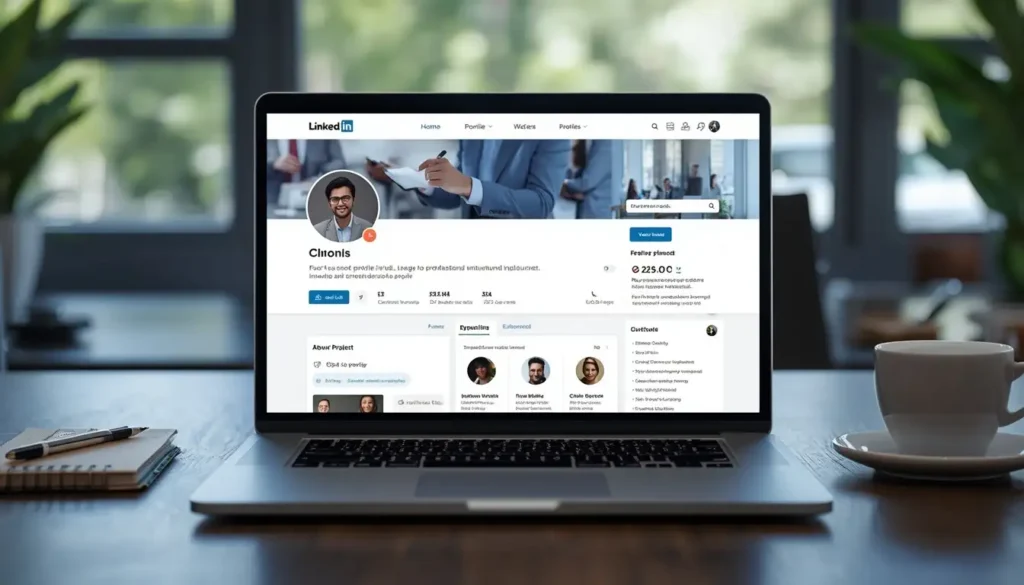
The first thing a client sees when they open your profile is your profile picture. Your profile picture should be completely clear, focused, and real. About 70% of the picture area should be occupied by your face. The main focus should be on the face, the shoulders or neck shouldn’t take up much space, meaning the photo shouldn’t be taken from far away. Your picture should be relatively close-up, with the maximum area covered by your face.
It should be a clear, professional photo. Don’t use a wedding photo here, always use a good professional photo.
Banner
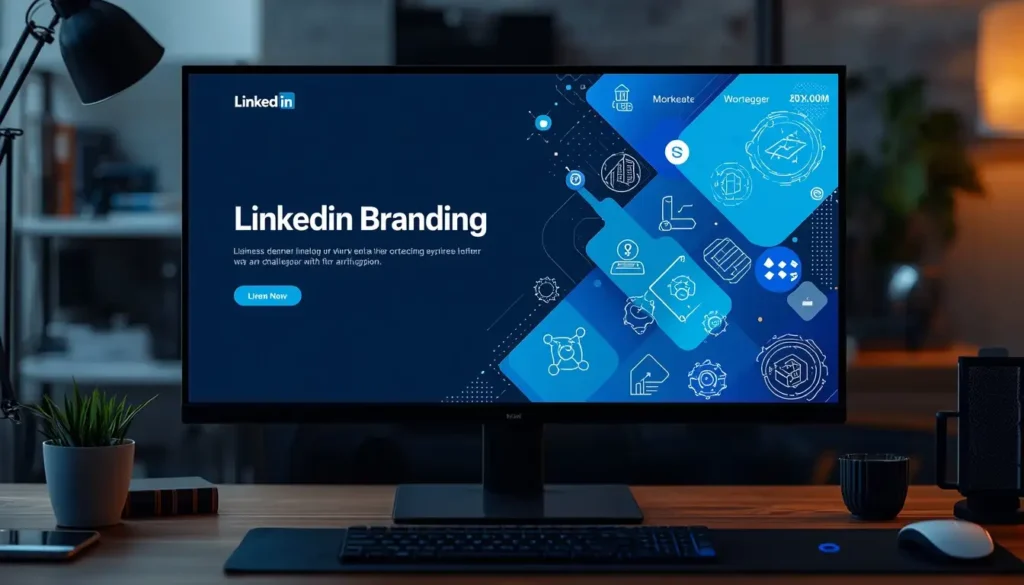
The next thing a client notices is your banner. Many people make the mistake of not adding a banner at all. In the banner, you can mention your skills, your services, your email address, or your WhatsApp number, so that anyone who wants to contact you can do so easily.
Your banner should be effective enough that whatever information is important for the client is available there, your skills, your experience, which brands you have already worked for. You can mention these kinds of things briefly in the banner. A good banner makes a strong impact on the client, so don’t skip it.
To make a good banner, you can use Canva. On Canva, the LinkedIn banner size is already available as a template. Choose a good template and fill in your details to create the banner.
Also Read: How to Get US Web Development Clients from Pakistan: 4 Strategies That Actually Work
Name and Verification
After the picture and banner comes your name. Your LinkedIn profile should always use your real legal name. Along with being real, LinkedIn will show a verification tick mark on your profile. You should get your profile verified as well.
In Pakistan, there are two common methods to verify your profile. The first is having an e-passport. An e-passport is a passport that contains a chip, similar to the chip in your ID card nowadays.
During the verification process, LinkedIn may ask you to continue in its mobile app, where you can scan the chip-enabled passport to verify your identity.
This is the easiest and most authentic method, but it will cost you, and it must be an e-passport, a plain passport will not work.
The second option is that if you study at a well-known university or work at a well-known company, you can use your business email ID for verification. For example, suppose someone works at a company called “Hire.” Their email could be fan@hire.com. Since it is a well-known company and the email ID is associated with the person’s name at that company, it is a professional email ID. If you provide that, your ID can be verified through it as well.
ID cards can also verify identity in some countries, but this is not happening in Pakistan. In Pakistan, the common methods are either the e-passport or the business email ID. If your ID is verified, your interest factor increases significantly. So, ID verification is an important thing, if you can get it done, definitely do it.
Headline
The next step is your headline. Previously, people used to write headlines using lines to separate sections, like: “I am a freelancer | I am a link building expert | I am also an SEO specialist.” That was the old method.
The latest method, which attracts clients more, is to write your headline in the form of one line. This line’s structure should include: what you do, who you do it for, and, if possible, some proof.
For example: I help businesses rank higher through high-quality guest posting and white-hat link building.
An effective headline usually includes four elements: who I am, what I do, who I do it for, and how I do it. Combining these four factors makes your headline impactful and impressive to whoever views it. If the viewer genuinely needs this service, they will definitely consider you.
Contact Info
The next step is your contact information. You need to add your contact info because you want people to reach out to you. Add your real contact information here.
Location
Regarding location, keep in mind that your location should be your real location. The person is based in the UK, so their profile shows a UK location. If you are in Pakistan, don’t lie about this, put the Pakistan location.
I want to tell you that there are many freelancers from Pakistan who work with international clients. So don’t take a Pakistani location lightly, you can get good work with a Pakistani location too. So, add your real location here. If you’re Indian, add an Indian location. If you’re in any other country, add that country’s location.
About Section
The About section should follow four simple parts: Problem, Solution, Proof, and Call to Action.
The first states the problem: “Many businesses struggle to rank on Google even after having a good website and quality content.”
Next is the solution: “I help businesses improve their search rankings through white hat off-page SEO, high quality guest posting, and safe link building.”
Whatever service you provide, first state the problem, then state your solution, and then provide proof, endorsing this section a bit. For the proof, “I have worked with multiple businesses across different niches, helping them improve keyword rankings, website authority, and organic visibility.” If you can mention the names of some websites here, for example, “I worked for such-and-such company” or “I worked for a well-known company,” it will make an even bigger impact if you can mention those company names.
The last part is the call to action: “If you are looking to strengthen your website authority, rankings, and organic traffic, let’s connect. Send me a message. I will be happy to discuss how guest posting and off-page SEO link building can support your business goals.” This is a soft call to action.
Try to keep your tone friendly and normal. Don’t use overly difficult words, use simple words and complete your About section with a friendly tone.
Skills Section
After the About section comes the Skills section. Here, there’s an option for top skills. You can add up to five skills, a maximum of five. You should definitely add all five skills, and you can also mention where you used each skill and at which company.
Add all the skills relevant to your profession. For example, the skills are Link Building and Off-Page SEO. You should complete this Skills section.
Experience Section
After the Skills section comes the Experience section. This is also very important because the client wants to see your previous experience and which companies you have worked with. Add all the relevant experience from the companies you have worked for.
Education and Additional Sections
After Experience comes your Education section. Besides this, your top skills appear right after the About section. If you want to add more overall skills, you can always add more relevant skills from the Skills section of your profile. Your interests are also shown here.
This completes the main starting page of your profile. After that comes your profile language. Most people keep the profile language as English, because English is the language most widely understood and spoken worldwide in professional settings, so keep it in English.
Public Profile URL
Next is your public profile URL, which is also an important factor for appearing in searches. It’s better to keep this simple, for example, “linkedin.com/in/[your name].” It’s better to keep your real name here.
If this URL is not available because someone else is already using it, you can add a relevant keyword related to your skill and create your profile URL that way. You can edit your public profile URL anytime from your LinkedIn profile settings.
Keep in mind that when creating this URL, you cannot use spaces. You can use a slash and a dash, and you can use a dot, but you cannot use a space. This completes your public profile URL.
This is how your profile becomes complete. But during profile completion, remember one thing: while the profile will be complete, we also need to do SEO (search engine optimization) for the profile.
LinkedIn Profile SEO
For profile SEO, within four sections, your Headline, your About section, your Experience, and your Skills, you need to choose one keyword and use it consistently across all four sections.
For example, suppose I choose the keyword “guest post” or “guest posting.” This means I will use the “guest posting” keyword in my headline, use it two to three or four times in the About section, use it in the Experience section, and use it in the Skills section as well.
What will this do? Your profile will become perfectly optimized around the “guest posting” keyword. So when a client searches on LinkedIn for “guest posting,” or searches using your chosen keyword like “guest posting expert,” your profile’s chances of ranking there will be quite high. And when your profile ranks, your chances of getting inquiries increase significantly.
So, with this free account, if you optimize your profile well, you can get the best results. Profile optimization is extremely important.
Featured Section and Add Profile Section
LinkedIn provides several profile customization options, including the Featured section and Add Profile Section, where you can expand your profile with additional information.
LinkedIn also allows you to build parts of your profile automatically by uploading your resume, although completing each section manually usually gives better results.
You can add your resume, and your profile will be set up quickly. But if you want to set it up manually, the core sections include: Education (add more if needed), Positions (add more if needed), Services (add more if needed), Career Break, and Skills. These are your core sections.
After that comes the “Recommended” section, which you should also definitely complete. Here, you can add a Featured section. In the Featured section, you can mention companies you have worked for, the rankings you have achieved for them, and how much traffic or sales you have driven for them. Add attractive points here.
You can also mention any licenses or certifications you have, projects you have worked on, courses you have completed, and any recommendations you have. You can also strengthen your profile by adding volunteer work, publications, certifications, projects, languages, recommendations, and other relevant achievements.
If you know multiple languages, you can add languages too. And if you have worked with multiple organizations, you can add that as well.
Among all these, the recommended thing is that you should at least add a Featured section and make it impactful, so that when someone views your profile, they get impressed and think, “This is not an ordinary person, this person really has impressive experience working with good companies.”
Final Tips: Tone and Confidence
These are the main points regarding profile optimization. You should keep all these points in mind carefully.
Complete each section carefully and optimize your profile consistently.
If you want to get good clients even with a free account, you need to focus well on your profile and optimize it properly.
Before finishing, keep one important tip in mind.
When optimizing your profile, don’t describe yourself in an overly exaggerated way. For example, don’t say things like “I am the number one SEO expert” or “I am the best SEO expert in the world.” Avoid mentioning such things.
Instead, create confidence and softness in your tone. Use words like “helping,” “working with,” or “supporting businesses”, meaning I support businesses, I help them, I work with them. Use these kinds of terms instead of phrases like “number one expert” or “best in the world.”
This approach will give your profile a soft image while still displaying your confidence.
FAQs
1. Why is it important to optimize my LinkedIn profile? An optimized LinkedIn profile helps your profile appear when clients search for specific skills or services on LinkedIn, increasing your chances of getting genuine client inquiries.
2. Should I use a real name on LinkedIn? Yes. Using a fake name can cause problems during profile verification, since ID documents like passports or driving licenses won’t match, and your profile could get suspended.
3. How can I verify my LinkedIn profile in Pakistan? The two common methods are using an e-passport with a chip (which involves a fee) or using a professional business email ID associated with a well-known company or university.
4. What should my LinkedIn headline include? Your headline should be a single line that includes what you do, who you do it for, and, if possible, some proof of your work.
5. What four elements should the About section contain? The About section should contain a Problem statement, a Solution, Proof of your work, and one clear Call to Action.
6. How many skills can I add on LinkedIn? You can add up to five top skills, and you should try to fill all five with skills relevant to your profession.
7. Should I mention my real location even if I want international clients? Yes. You should always use your real location. Freelancers from Pakistan work with international clients regularly, so a Pakistani location should not be seen as a disadvantage.
8. How do I do SEO for my LinkedIn profile? Choose one relevant keyword and use it consistently in your Headline, About section, Experience, and Skills sections so your profile ranks higher when clients search for that keyword.